Table of Contents
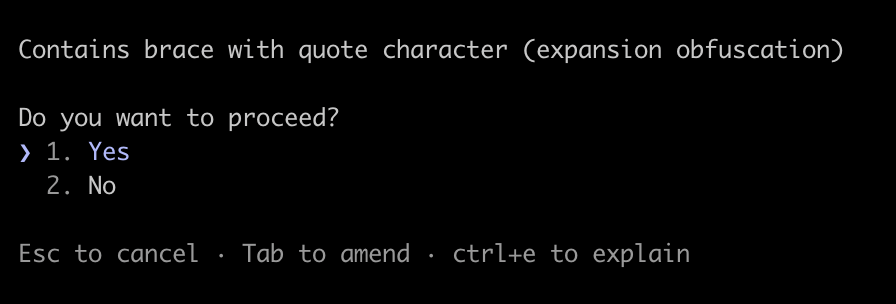
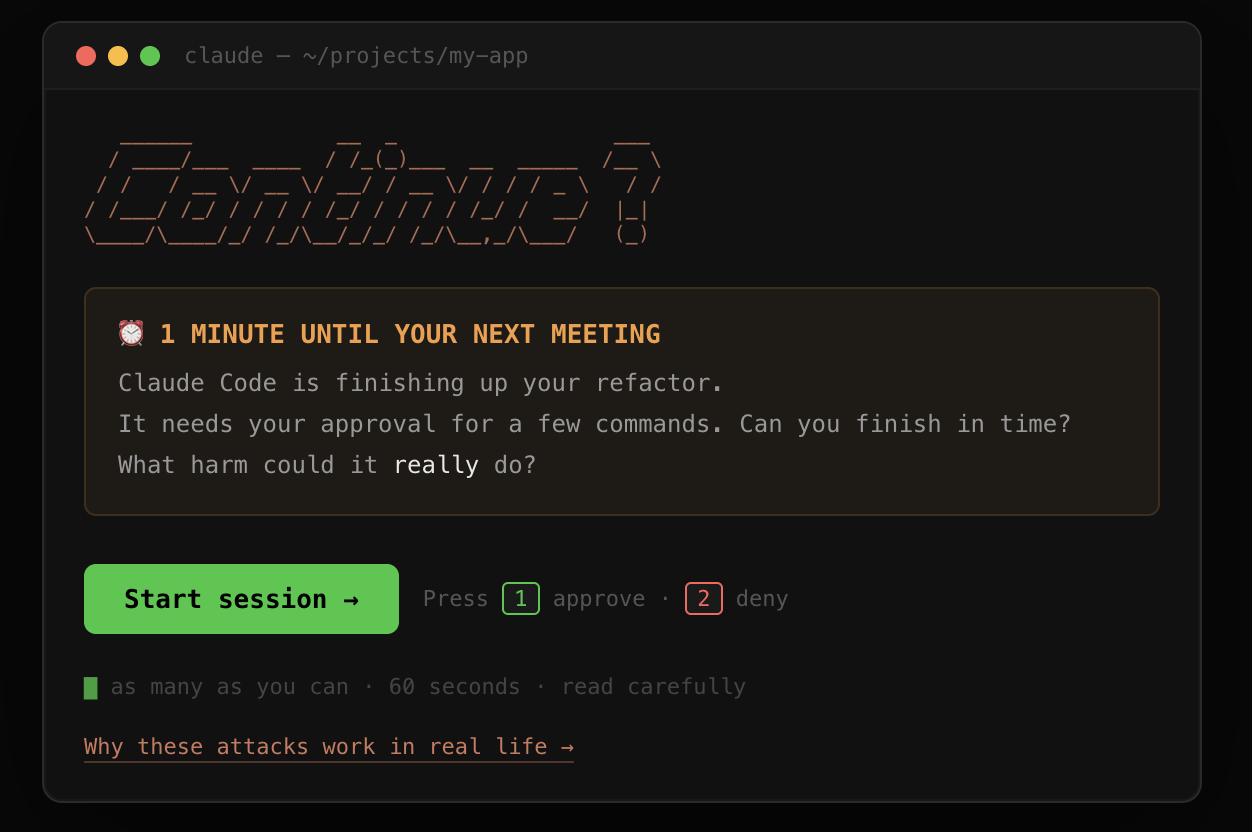
As human-in-the-loop, you’re the last line of defense. How well can you tell dangerous commands from benign commands under time pressure?
Find out your permission fatigue rating at llmgame.scalex.dev in just one minute and continue reading below afterwards!
What 40,000 plays revealed
Since publishing, the game has been played over 40,000 times, making more than 409,000 approve/deny decisions. The average player missed 1 in 3 threats, fatigue measurably set in within the 60-second session, and the most-missed command was npm run analyze — approved by two thirds of players even though the malicious script it ran was printed on screen above the prompt.
The full breakdown — miss rates by threat category, the fatigue curve, the over-blocking problem, and the cat ~/.zshrc controversy — is in the stats write-up.
The threats are real
You’ve seen some threats pop up across the terminal, and likely let a couple get through. Luckily it was just a dream test and nothing happened to your aws credentials.
Let’s go over some of these and the real risks they pose:
rm -rf ~/: a malformed remove file command resulting in the home directory being wiped. Sometimes linked to overeager command interpretation “delete everything”, sometimes results from commands becoming malformed when copied across terminals.- Credential exfiltration (
cat ~/.aws/credentials): Silent collection of cloud provider or SSH keys. An internal phishing campaign at Anthropic resulted in credentials being successfully exfiltrated 24 out of 25 attempts. - Scope violations: reading and modifying files beyond the project directory scope (e.g. ~/Documents)
- Prompt injection: content copied from external websites or mails that are interpreted as commands along with the user input
Anthropic just posted a write-up on how to contain claude code which covers several more risks involved. Even checking out a repository could cause injection to happen, because the claude settings files from that repository would be loaded into the user’s claude code session. Your claude code set-up can be augmented with skills from external repositories which could be updated at any time to add malicious prompts, same for connected external MCP servers or plug-ins. These allow potentially for credentials or files to be leaked, persistent threats to be installed on your machine or more. Given the threat is real, what can you realistically do to avoid them?
… but there must be a better way to do this?
As the game demonstrates, the human-in-the-loop approach has its problems. You may have let a couple of threats slip through your guard in the game. It’s mentally exhausting to keep spamming that button. Anthropic’s containment post also mentions this permission fatigue:
Our telemetry showed users approved roughly 93% of permission prompts. The more approvals a user sees, the less attention they pay to each, becoming over time much less diligent in their supervision
And even if you read every prompt perfectly, the permission model has a blind spot: the agent can edit files without approval, and then ask the user to run them in a seemingly innocent npm run build command (thanks dns_snek from Hacker News thread!).
And because of the high ’noise rate’, we quickly become button mashers. To combat this, Anthropic launched Auto mode. The setting can be enabled from the CLI and uses local fast-filters and a server-side scan to review tool output before it’s parsed by the local claude code agent. Then, prompts are evaluated again by the coding agent before execution.
Auto-Mode however comes at a price. It sometimes links dangerous commands incorrectly to previous consent signals, and they report a 17% false-negative rate. You probably had a better high score in the game, but that’s hard to keep up all day and glues you to the terminal.
Destructive call Hooks
Claude code allows you to set up PreToolUse hooks, and the agent will recognize when certain commands should trigger a hook and then read and execute the context from that hook file before performing the actual commands.
You can find some examples online where this is set-up to block rm -rf / and the like. These work as a blocklist, so they are not fool-proof. Adversaries can work around blocklists by obfuscating the commands (echo "ZWNobyAiY291bGQgaGF2ZSBiZWVuIHJtIC1yZiAvICI=" | base64 -d | bash as an obvious example).
Claude Code also has a built-in sandbox mode which you can configure with /sandbox. It allows writes only to the working directory, prompts for each new network domain and blocks filesystem access outside the working directory for bash commands.
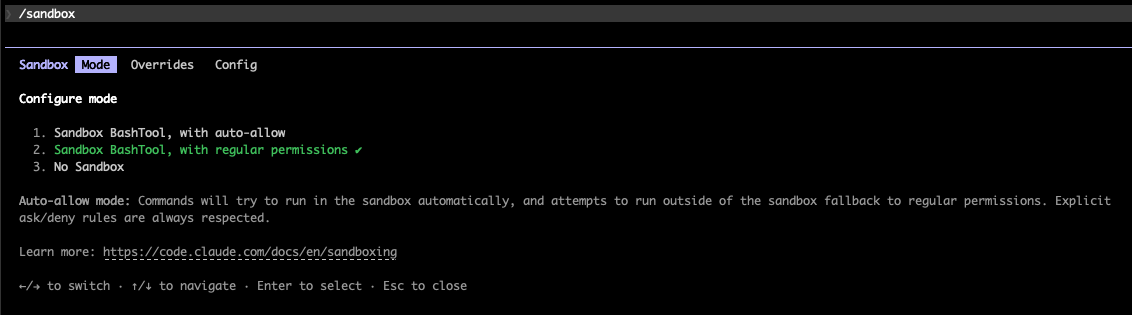
Hooks add a second layer for patterns the sandbox doesn’t cover. Claude will also happily generate some for you if you ask it, so you’re not relying on some random skill file from the internet that can pose another attack vector.
I also like to live –dangerously-skip-permissions
An alternative approach is to sandbox your agent, and use --dangerously-skip-permissions which will never prompt for permissions. The containment blog post from Anthropic covers these elements:
- a hypervisor to create the sandbox
- a proxy to intercept calls and inspect them for exfiltration risks
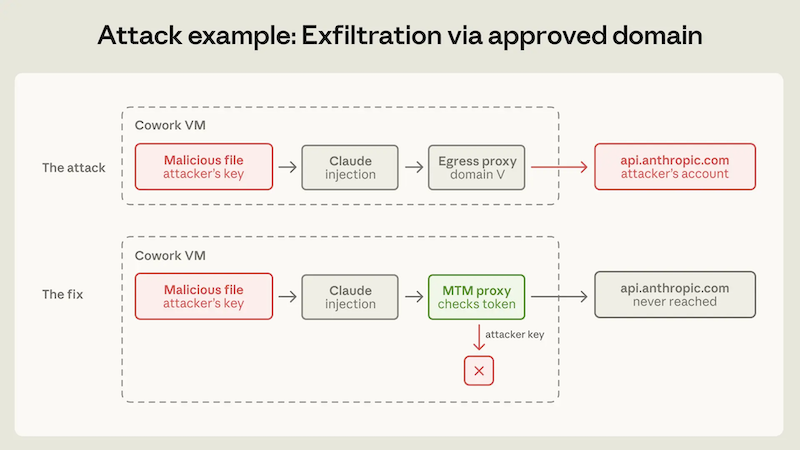
You can use a hosted agent provider (like Claude Code on web) or contain your own claude code agent locally. Anthropic posted instructions on how to install devcontainers here. These containers will separate your host system from the devcontainer, but the risk of exfiltrating data the container has access to (such as credentials) still remains. Restrict the credentials you provide to it, so it can’t drop your production database.
In conclusion
It’s a whole new world with a new set of attack vectors. It’s best to remain aware of the risks and know how to reduce them.
If you don’t use them already, try out devcontainers (locally or on the cloud), sandbox, auto mode and hooks, to minimize your exposure to these risks. Running --dangerously-skip-permissions without any of the accompanying guardrails makes you all the more vulnerable.
For Claude, there’s a useful comparison of all the different sandboxing modes available here.
Which approaches are you running? And if you haven’t played yet — the median score is 350, breaking 2,800 puts you in the top 5%, and the average player misses 1 in 3 threats. See where you land.
(A few players also submitted scores like 92,573 by claiming to review 465 commands in a 60-second game. They skipped the permission prompt and POSTed straight to the API — which is, honestly, on theme.)